 Marinate
Get the app
Marinate, on your helm.
A native chartplotter for iPhone and Android, installed straight from the App Store and Google Play. The core app is free forever — no account, no tracking, and every chart, marker and track stays on your device.
Marinate installs from the App Store and Google Play only — there is no web version and no download from this site. The app runs entirely on your phone, which is the point: it has to work with no signal.
Requirements · Will it run aboard?
What your phone needs
- iPhone & iPad
- Installs from the App Store on recent iPhones — the built-in GPS provides position, speed and heading, no extra hardware needed. Cellular iPads have GPS and work at the helm; Wi-Fi-only iPads don't have one.
- Android
- Installs from Google Play on recent Android phones, and GPS-equipped tablets work at the helm too.
- Room for charts
- Offline chart areas are stored on the device, so leave some free space for your cruising grounds. Online layers — live AIS traffic and tap-anywhere weather — use a data connection when you have one.
- Before you sail
- Marinate is offline-first: download your cruising area in harbour and charts, GPS, routes, tracks and alarms keep working with zero signal. See how offline charts work →
First launch · Two minutes to the chart
What to expect when you first open Marinate
No sign-up screen, no onboarding maze. You land straight on the chart, and a few quick choices dial it in for your boat.
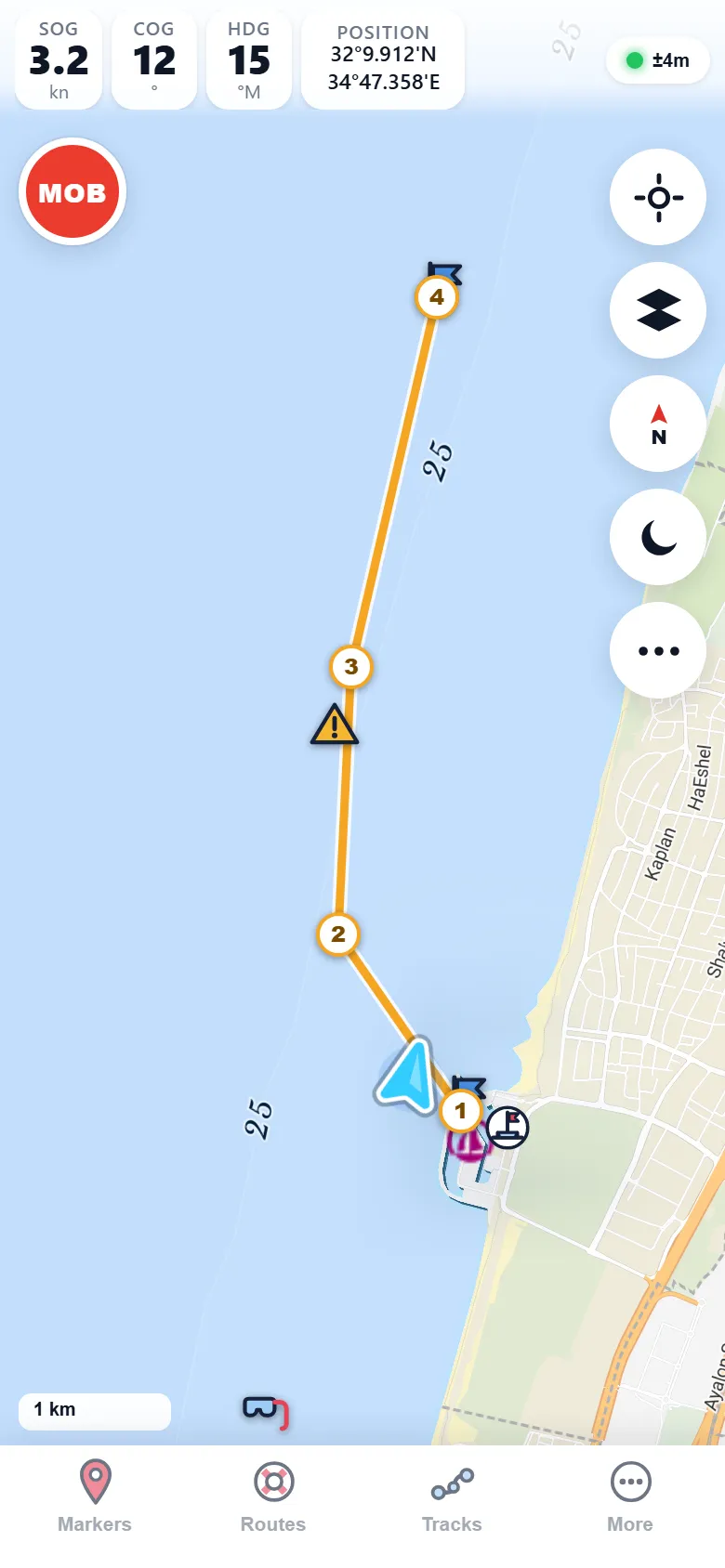
- Grant location access. It powers the live boat marker with heading and projected course, plus the SOG, COG and heading instruments. Your position never leaves the phone.
- Pick your language. The whole app runs in English, Hebrew, French or Spanish.
- Optional (Premium) — add an AIS key. Paste a free aisstream.io key to unlock the AIS layer as part of the Premium trial: live vessel traffic with the CPA/TCPA collision alarm.
- Optional (Premium) — connect your instruments. Point Marinate at your SignalK/NMEA source for depth, wind, speed and heading, plus the shallow-water alarm.
- Try night mode. A red-shifted night palette keeps your eyes dark-adapted on watch.

Before you ask
Download questions
Is the free version actually useful, or a demo?
Do I need an account or a subscription to start?
Will it work offshore with no phone signal?
Can I bring routes from my old plotter?
Almost aboard
See you on the water
While the store listings go live, explore what Marinate does — and check what's free forever versus what Premium adds.